

Website · Real estate
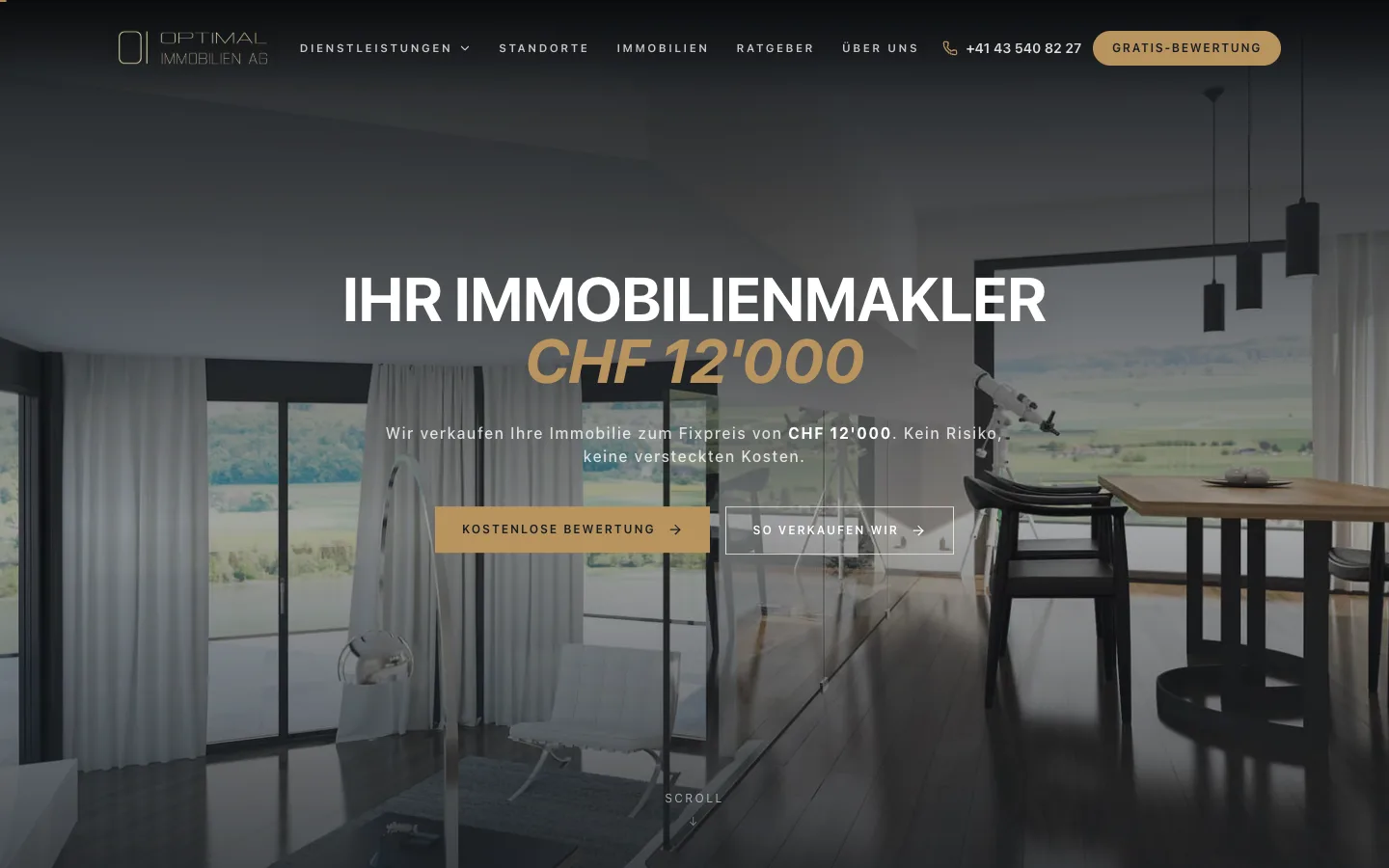
Real estate
A German-language lead-generation site for a Zürich property brokerage: fixed-price selling, free valuations, listings and local landing pages.
Services / Web Applications
Dashboards, portals, SaaS platforms and management systems: multi-role web applications built to be used all day, every day.
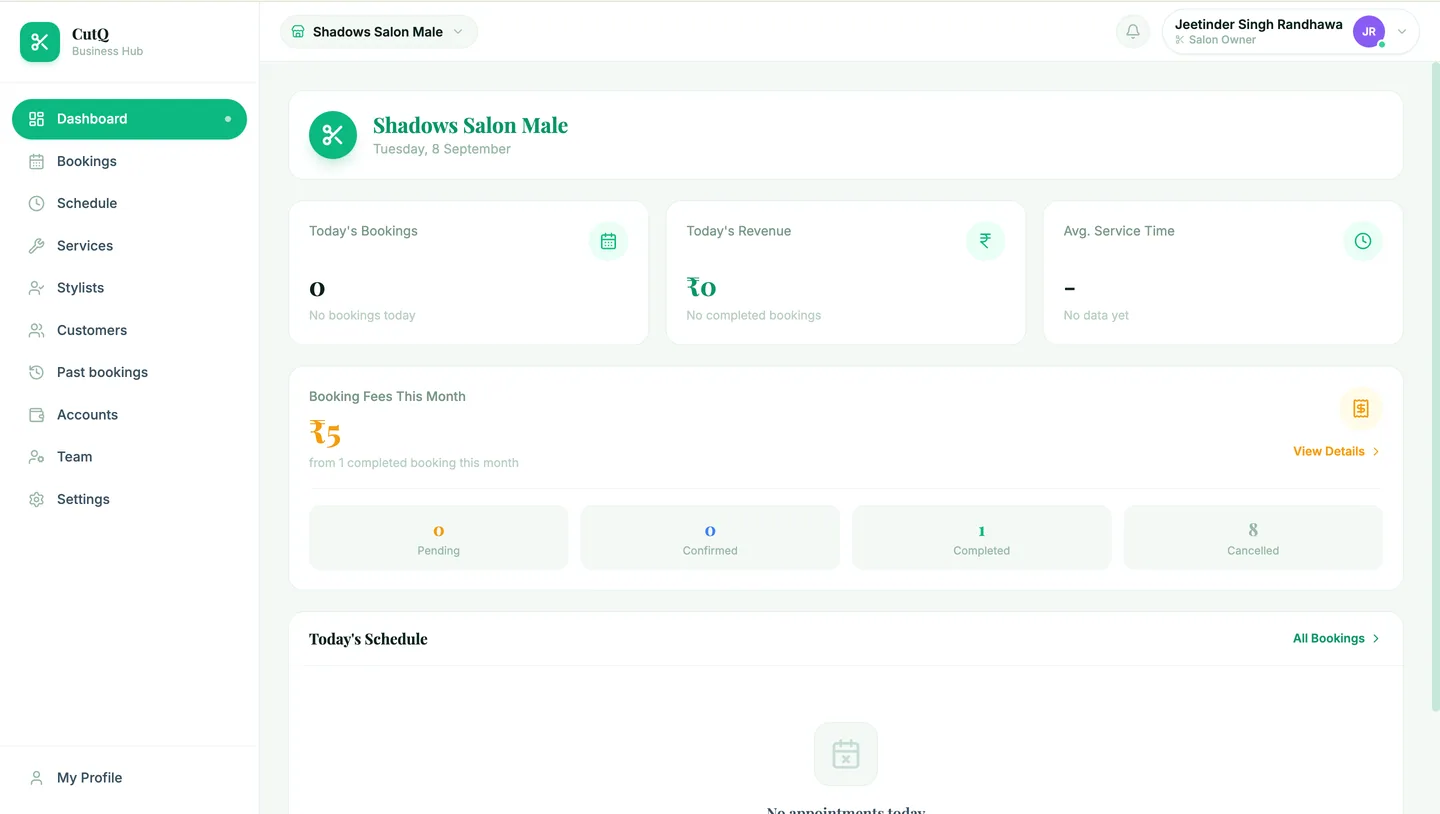
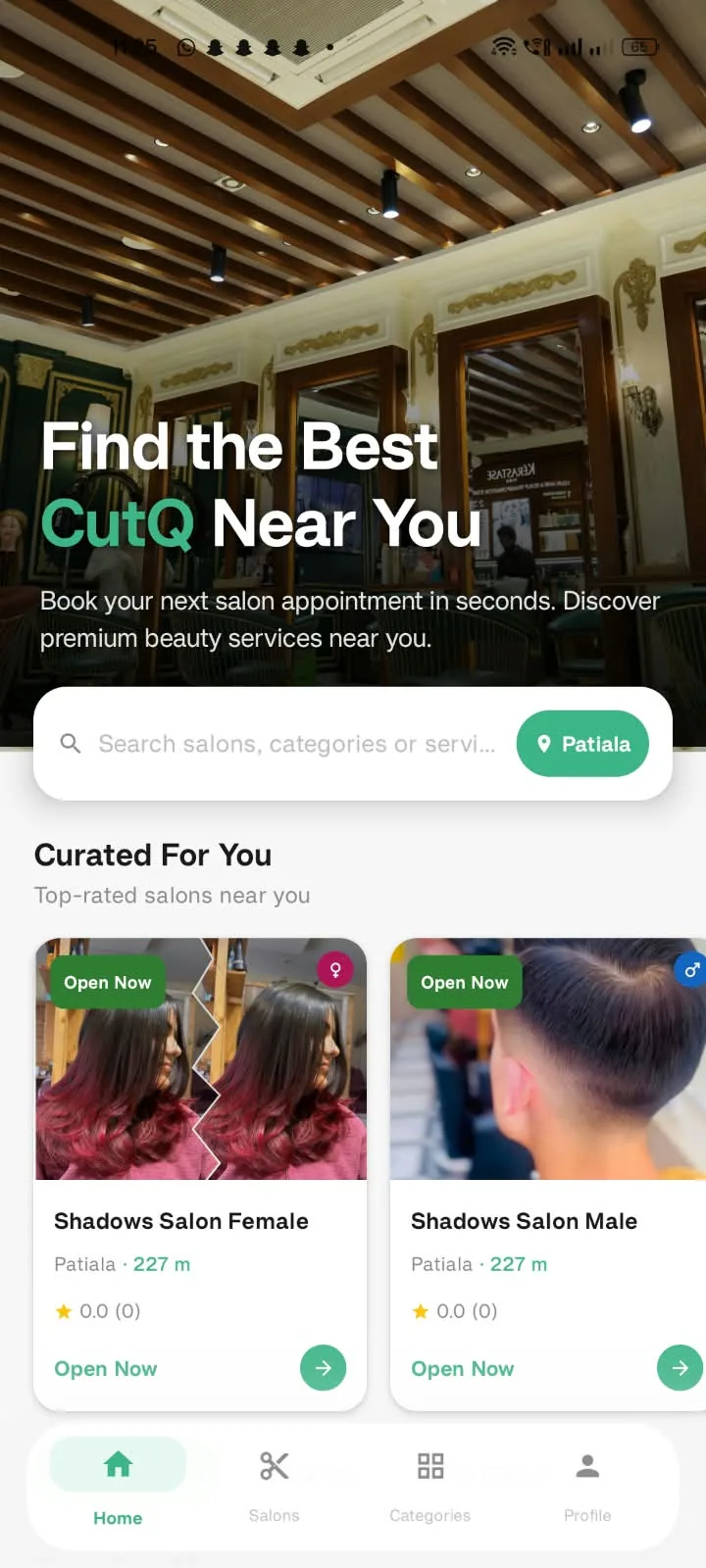
From our work: CutQ
01In practice
A web application is software that happens to run in a browser. It has roles and permissions, data that must stay consistent, and users who expect it to be fast at nine in the morning when everyone logs in at once.
We design the information architecture first: who sees what, what they can change, and what happens next. Then we build it as a system with a proper backend, not a set of pages with forms attached.
Reporting, exports, audit trails and admin tooling are in the plan from the start, because they are what make an application usable by a business rather than a demo.
02What we build
Live operational views with the controls to act on them.
Self-service access to orders, documents, requests and status.
Multi-tenant products with accounts, plans and billing hooks.
Bookings, cases, assets, projects: whatever your business has to track.
Filters, charts and exports on top of trustworthy data.
Permissions designed in, not bolted on.
Multi-step forms that branch by intent and land in your CRM with context.
Uploads, review, sign-off and an audit trail.
03Where it fits
Customers or partners keep emailing for information they could look up themselves.
Your product idea needs a real multi-user application, not a prototype.
Managers want live numbers instead of month-end spreadsheets.
Several teams need the same data with different views and rights.
We map roles, data and the journeys each type of user takes.
Information architecture, permissions model and integrations, priced against an agreed scope.
Flows and screens designed per role and tested with real users.
Backend, frontend and admin built together, released weekly to a demo environment.
Production deployment, monitoring and a plan for what comes next.
Real estate
A German-language lead-generation site for a Zürich property brokerage: fixed-price selling, free valuations, listings and local landing pages.
07FAQ
If people log in, have roles, and change data, it is an application. If the job is to inform and convert visitors, it is a website. Many projects need both, and we build them as one system when that is the case.
Yes. Every application we build is designed for phone screens as well as desktops, because that is where much of the daily use happens.
Roles and permissions are designed during planning, not added later. We use established authentication approaches and keep an audit trail of who changed what.
We design for real network conditions: small payloads, sensible caching and clear feedback when something is loading or has failed.
Start here
Tell us what you're trying to build, automate or improve. We'll help you figure out the right technology and the best way to build it.